Swervle controls: every key and touch button
Checked and updated · Play the game at swervle.com
Swervle is a free daily 3D arcade racing time trial played in the browser, and it uses a plain WASD-or-arrows layout: W/↑ throttle, S/↓ brake and reverse, A/D or ←/→ steer, Space handbrake. R puts you back at the last checkpoint with the clock still running; F or Backspace restarts the run. The full table of 15 default bindings is below.
The six keys you use every run
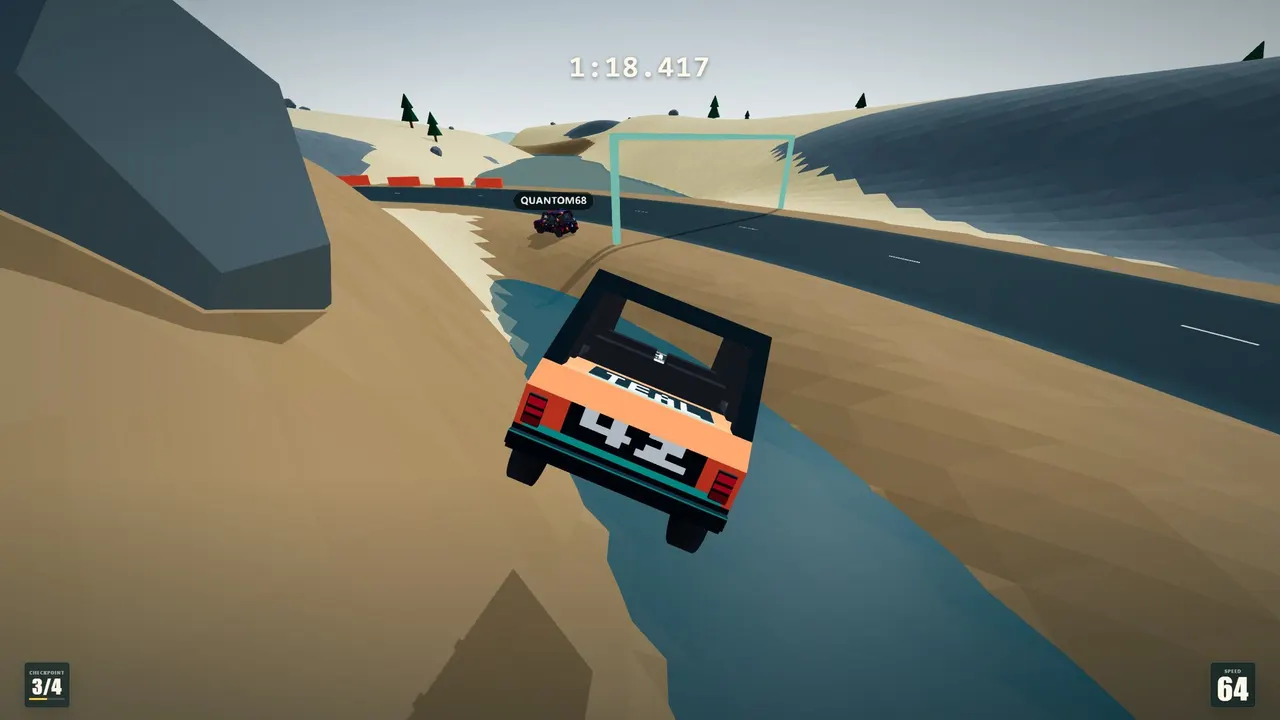
Hold W (or ↑) to accelerate and steer with A/D. Tap Space to kick the rear out in tight corners. Hit R when you fall off or take a wrong turn: it drops you at the last checkpoint and the timer keeps counting, so a rescue costs a few seconds rather than the whole run. Press F when the run is already lost and you want a clean start.
All 15 default bindings
| Action | Keyboard | Touch | Note | Status |
|---|---|---|---|---|
| Throttle | W↑ | GAS | 2 sources | |
| Brake / reverse | S↓ | BRAKE/REVERSE | 2 sources | |
| Steer left | A← | Steer left | 2 sources | |
| Steer right | D→ | Steer right | 2 sources | |
| Handbrake | Space | HANDBRAKE | 2 sources | |
| Recover | R | RESET (single tap) | Returns to the last checkpoint; the clock keeps running. A setting can make R restart instead. | 2 sources |
| Restart | FBackspace | RESET (double tap) | Starts the run over. | 2 sources |
| Camera | C | — | 2 sources | |
| Ghosts on/off | G | — | Ghosts do not collide with you. | 2 sources |
| Lights | L | — | Only the Emergency pack's light bars flash. | 1 source · public code |
| Menu and leaderboard | Esc | — | 2 sources | |
| Leaderboard | Tab | — | Read from the game code; not listed on the game's How to play page. | 1 source · public code |
| Honk | H | — | Read from the game code; not listed on the game's How to play page. | 1 source · public code |
| Push to talk | V | — | Read from the game code; not listed on the game's How to play page. | 1 source · public code |
| Look back | E | — | Read from the game code; not listed on the game's How to play page. | 1 source · public code |
Default keys; the movement keys can be rebound in the game’s settings.
R versus F: which reset to press
| R (recover) | F / Backspace (restart) | |
|---|---|---|
| Where you go | Last checkpoint you passed | Start line |
| Clock | Keeps running | Resets to 0:00.000 |
| Use it when | You fell off, flipped or missed a turn mid-run | The run is already slower than your best |
| Phone | RESET, one tap | RESET, two quick taps |
| Setting | Can be switched to act as restart (patch notes, 27 Jul 2026) | Always restarts |
Phone and tablet controls
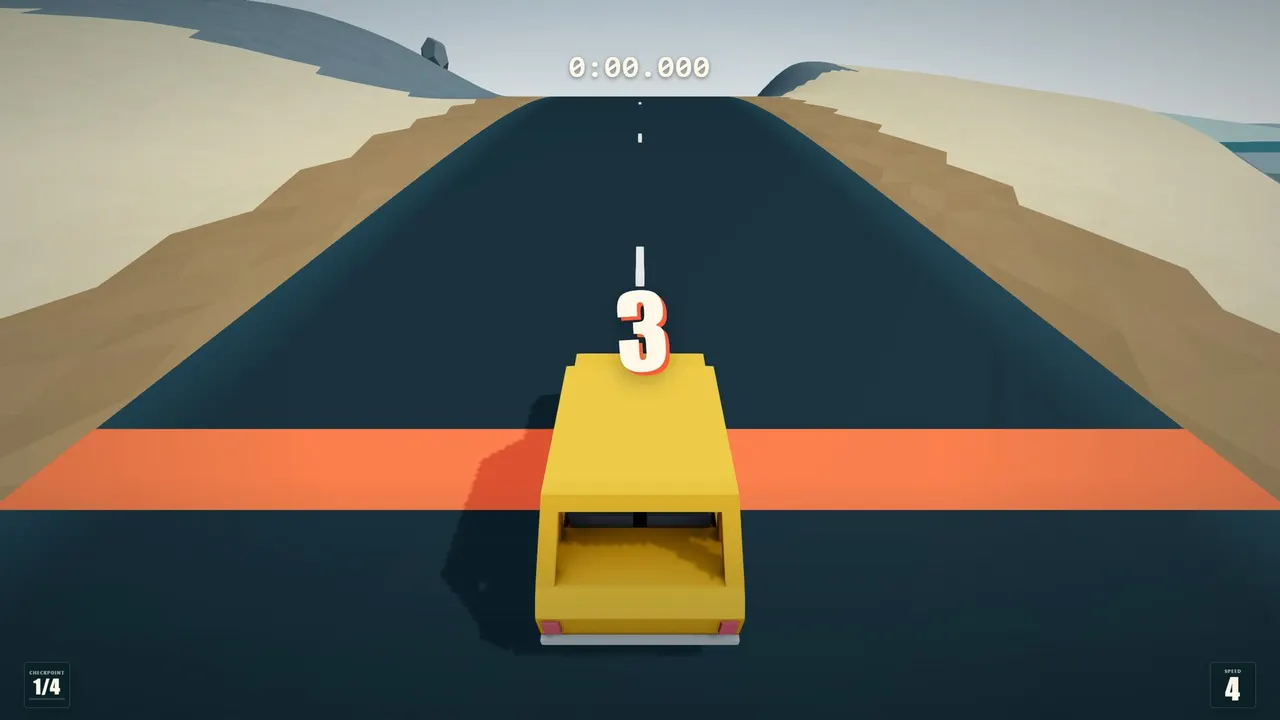
Mobile support arrived with the 25 Aug 2026 update. Play in landscape; the on-screen pad shows GAS, BRAKE/REVERSE, HANDBRAKE, two steering zones and RESET. Because one tap and two taps on RESET do different things, a quick second tap restarts the run instead of recovering it.
The camera, ghost, lights and menu keys have no documented touch buttons. If you want ghosts off on a phone, set it in the menu before you start.
Watch it in motion
FAQ
What are the Swervle controls on PC?
W or Up arrow accelerates, S or Down brakes and reverses, A/D or Left/Right steer, Space is the handbrake, R returns to the last checkpoint, F or Backspace restarts, C changes camera, G toggles ghosts, Esc opens the menu.
What is the difference between R and F in Swervle?
R puts you back at the last checkpoint and the clock keeps running. F (or Backspace) restarts the whole run from the start line. A setting can make R restart instead, so check it if R sends you to the start.
How do you play Swervle on a phone?
Open swervle.com in the phone browser and turn it sideways. On-screen buttons cover GAS, BRAKE/REVERSE, HANDBRAKE, steering and RESET (one tap = last checkpoint, two taps = restart).
Does Swervle support a controller?
A community guide lists a gamepad mapping, but the game’s own pages do not mention controllers, so I do not list one here.
Sources
Last checked: 27 November 2026. Corrections: contact.
- swervle.com/how-to-play — the game’s How to play page, checked 27 Nov 2026
- swervle.com game client — key bindings and button labels read from the public page code, checked 27 Nov 2026
- swervle.wiki controls — independent controls list, checked 27 Nov 2026
- swervle.com/news — the developer’s patch notes, checked 27 Nov 2026