Swervle not loading? Six checks, in order
Checked and updated · Play the game at swervle.com
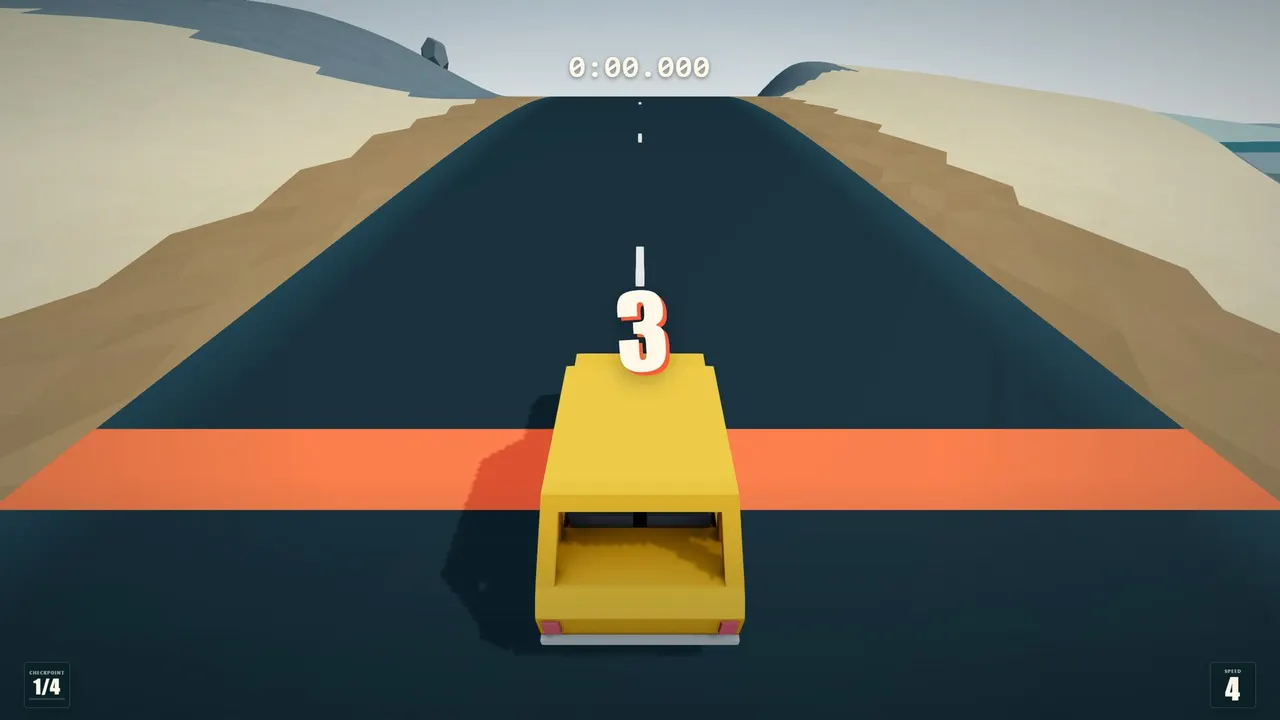
Swervle is a free daily 3D arcade racing time trial that draws the track with WebGL in your browser, so most “not loading” cases are a blocked network, a browser extension or graphics acceleration being off. Do the three 30-second checks first; if they do not fix it, work down the six layers and stop at the first one that changes something.
Three 30-second checks first
- Open swervle.com/results in a new tab. If that page also fails, the problem is the site or your network, not the game.
- Open swervle.com in a private/incognito window. If it loads there, an extension or stored browser state may be involved.
- Fully quit and restart the browser. A stuck GPU process is cleared by a restart, not by a page reload.
Six layers, from outside in
| Layer | Symptom | What to do | If this fixes it |
|---|---|---|---|
| 1. Site or you | Only the race is blank; other pages open | Compare swervle.com, /results and /community | All down = site or network; only the race = browser or GPU |
| 2. Network / DNS | Endless spinner, “Just a moment”, school Wi-Fi fails | Try mobile data; turn off VPN or proxy | The original network blocks or filters it |
| 3. Browser | Page opens, race never starts | Update the browser; try a private window; pause ad or script blockers | An extension or stored browser state may be involved (1 source) |
| 4. Hardware acceleration | Black screen, very low frame rate | Chrome/Edge: Settings → System → “Use graphics acceleration when available”. Firefox: Settings → General → Performance. Restart. | The GPU was not being used |
| 5. In-game graphics | Runs, but stutters | Esc → Settings → Graphics → Medium or Low | Your device could not hold the higher preset; physics are the same at every preset |
| 6. WebGL / driver | Blank canvas, WebGL errors | Open get.webgl.org; update the graphics driver; try another browser | WebGL was disabled or the driver was broken |
Not a loading problem: missing times or the wrong name
If the game loads but your times or racer name are gone, check that you signed in with the same Google account or email as before. Guest runs stay on the device they were set on. For anything account-related the game lists [email protected] on its support page; this site cannot see or change accounts.
There is no public status page for Swervle. The quickest outside check is whether other people in the Discord are reporting the same thing.
FAQ
Why is Swervle not loading?
Usually a filtered network, a browser extension, or graphics acceleration being off. Check /results in a new tab, try a private window, then turn on hardware acceleration.
Why is Swervle so laggy?
Lower the preset in Esc → Settings → Graphics and make sure hardware acceleration is on. The game says physics do not change with graphics settings, so a lower preset does not slow your car.
Does Swervle work on Chromebooks or school computers?
It needs a compatible browser and graphics support; school networks may also filter game sites. See the blocked at school page for the legitimate options.
Sources
Last checked: 27 November 2026. Corrections: contact.
- swervle.com/faq — the game’s FAQ, checked 27 Nov 2026
- swervle.com/how-to-play — the game’s How to play page, checked 27 Nov 2026
- swervle.com/support — support contact, checked 27 Nov 2026
- swervle.com/news — the developer’s patch notes, checked 27 Nov 2026
- Cloudflare challenge pages — how challenge pages behave
- get.webgl.org — WebGL test page
- swervle.top not-loading page — community troubleshooting page, checked 27 Nov 2026